
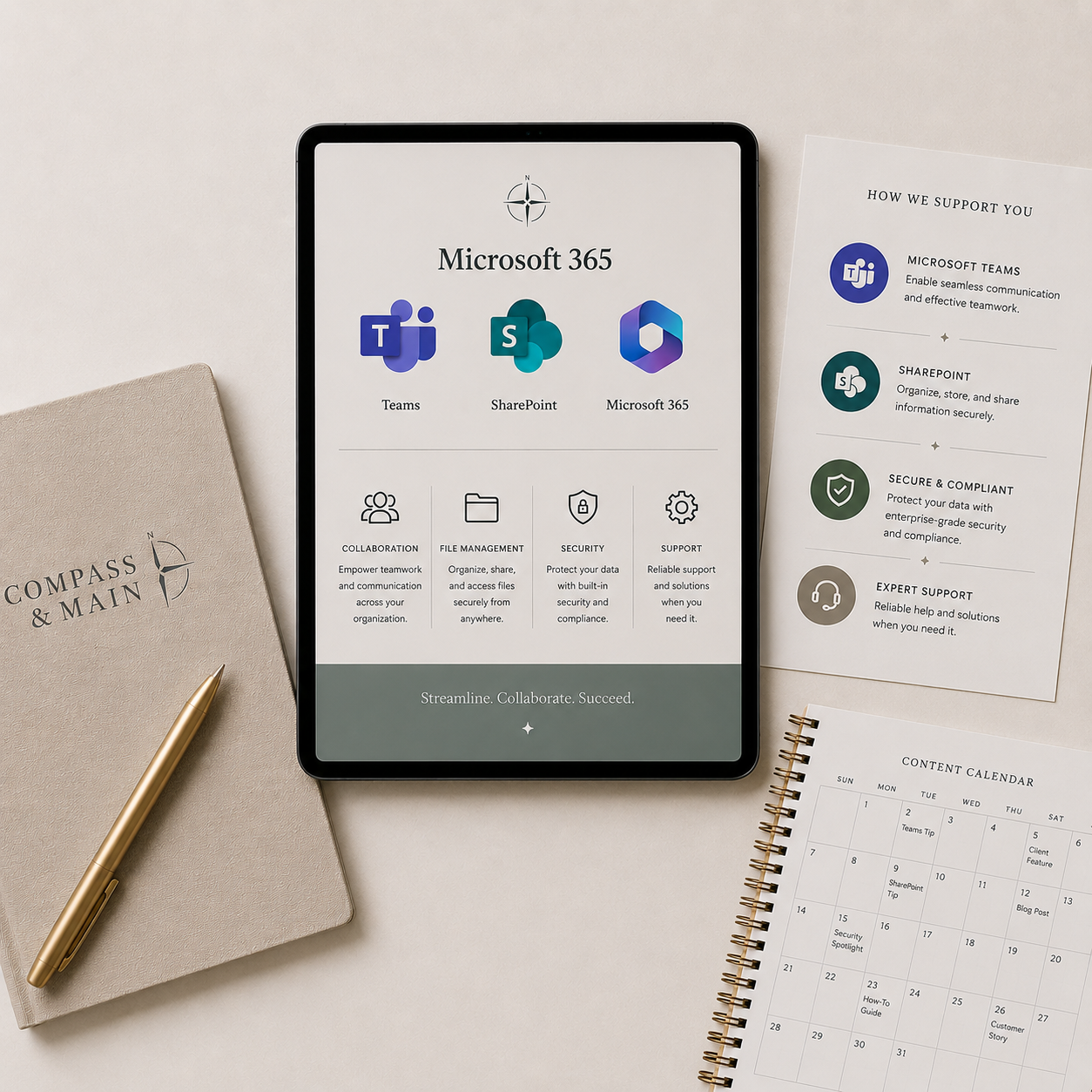
Microsoft 365 & Business Systems
Organized files, useful workspaces, and practical systems your business can use with confidence.
MICROSOFT 365 & BUSINESS SYSTEMS
Practical help with everyday tools
Files &
Collaboration
Help your team find information, work together, and keep things organized in Microsoft 365.
SharePoint and OneDrive organization
Folder structures and permissions
Teams workspaces
Shared working practices

Forms, Tracking, & Reporting
Simple ways to collect information, keep track of work, and get the right detail when you need it.
Microsoft Forms and Lists
Planner and Bookings setup
Excel trackers and reports
Reusable business templates
Evaluation &
Adoption
Choose the right tools for your needs and help your team feel confident using them.
Software requirements and comparisons
Vendor demonstrations and coordination
Rollout planning
User guides and training
A PRACTICAL APPROACH
We review the task, your current setup, and the people who need to use it before we recommend changes.
Start with the tools you already have.
HOW WE WORK
From setup to everyday use.
Understand
Review the work and the current system.
01
02
Organize
Build and test the agreed setup.
03
Hand Over
Provide guidance and walk through how it works.

GETTING STARTED
What shapes your quote
The tools involved, file volume, access requirements, setup complexity, and training needs.
Software subscriptions and other third-party costs are separate from Compass & Main fees.
LET’S MAKE IT WORK
Where is the system getting in the way?
Tell us what needs to get done.
We’ll help define the work, recommend the right approach, and provide a clear quote before anything begins.